We use cookies to enable our websites to remember information, to help some website functionalities to work properly, to understand how you interact with and use our websites and to display you content and ads that are relevant and engaging for you.
By clicking Accept All you consent to the use of these cookie.
The store will not work correctly when cookies are disabled.
Quick answer: Personalized printed tote bags combine one shared design with a variable layer, such as a name, role, or session detail, that changes from bag to bag. On cotton, that variable layer is usually printed with DTG, DTF transfers, heat-transfer vinyl, or embroidery, often on top of a screen-printed logo. Most failures come from the data file and proofing, not from the press.
If you are planning personalized printed tote bags for an onboarding cohort, a conference, or a client gifting program, the bag itself is the easy part. The hard part is making sure every bag carries the right name, prints cleanly, and reaches the right person. This guide covers the variable-data workflow: choosing a print method, preparing the data file, proofing each variant, and planning around the way personalization changes minimums, cost, and lead time.
Why Do Per-Recipient Tote Orders Go Wrong?
The problem: A standard logo tote is one design repeated many times. A personalized run is effectively hundreds of slightly different products that have to arrive in one coordinated shipment. Each name is a separate record that can be misspelled, cut off, duplicated, or lost.
The solution: Treat personalization as a data project with a print step at the end. Lock the fields, clean the file, proof the edge cases rather than a single pretty mockup, and sort production output to match the way the bags will be handed out. The sections below walk through each step.
What Counts as a Personalized Printed Tote?
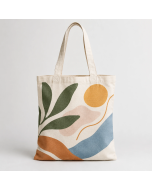
In this guide, a personalized tote is a bag where at least one printed element is unique to the recipient. It is different from a "custom" tote, where every bag carries the same artwork. In practice a personalized tote has two layers:
The shared layer: logo, event mark, or pattern that is identical on every bag. This layer benefits from volume methods such as screen printing.
The variable layer: the field that changes per record, such as first and last name, job title or team, attendee type (speaker, sponsor, staff), session track, table number, or a short personal message.
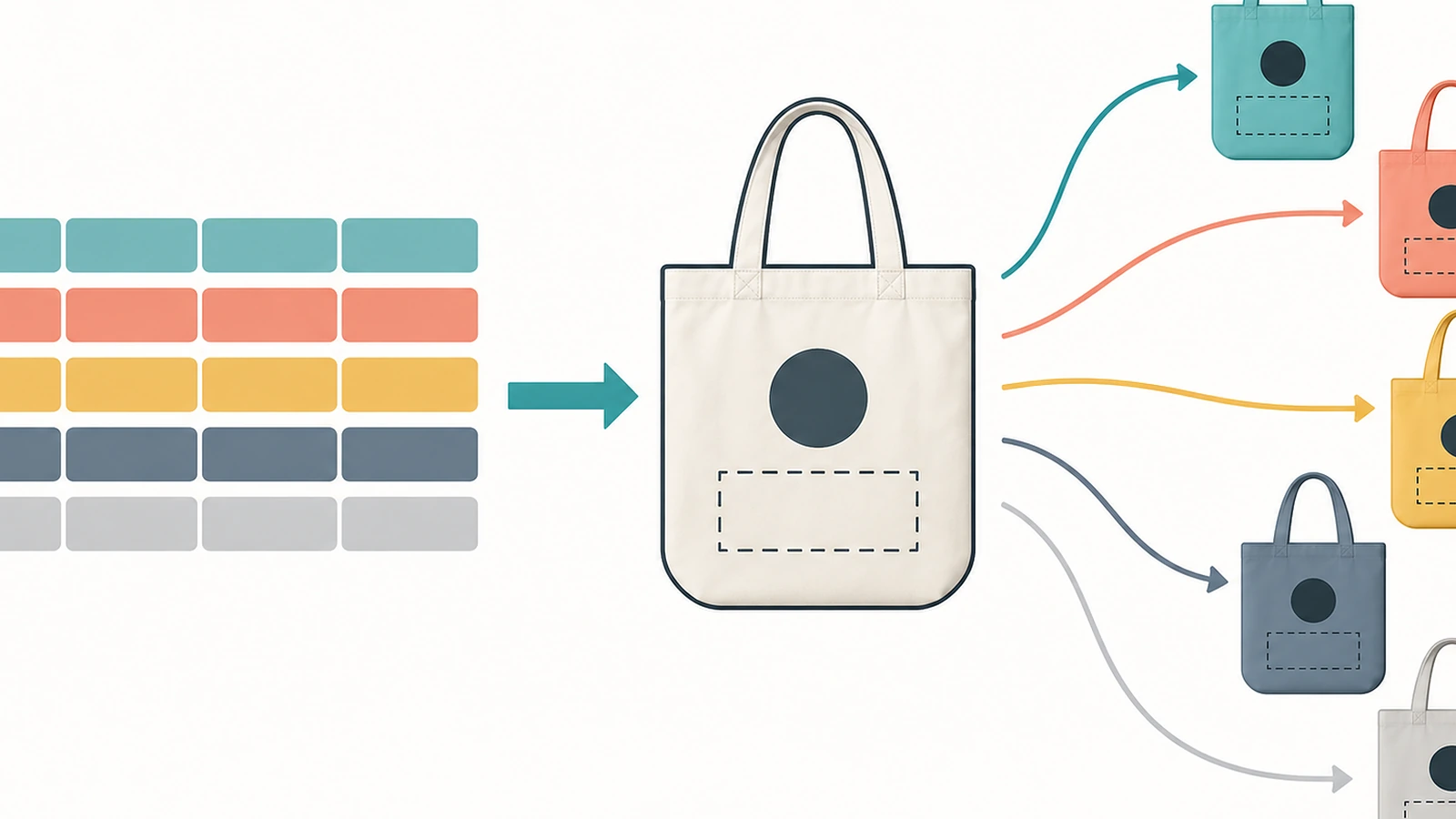
Printers call the second layer variable-data printing: a template with fixed positions and fonts, filled from a spreadsheet one row at a time. The three most common business uses are employee onboarding kits, where name and team signal belonging; conference and event bags, where role-coded totes help staff spot speakers and volunteers; and client gifting, where a name or monogram makes the bag feel chosen rather than handed out.
Personalization also has a practical sustainability argument. Promotional totes have been criticized for adding clutter: as one report put it, some companies end up drowning consumers in cotton carry-alls[1]. The environmental case for cotton depends on reuse. A widely cited Danish lifecycle figure puts an organic cotton tote at 20,000 uses to offset its total production impact[2]. Critics note that this number is measured against a reference plastic bag and is driven largely by categories such as ozone depletion[3] rather than climate alone. Either way, the bag only pays back if someone keeps using it. A bag with the recipient's name on it is harder to regift or discard than an anonymous one, which is a sound reason to personalize. It is not a measured guarantee.
How to Run Per-Recipient Personalization Step by Step
Step 1: Decide what varies and where it sits
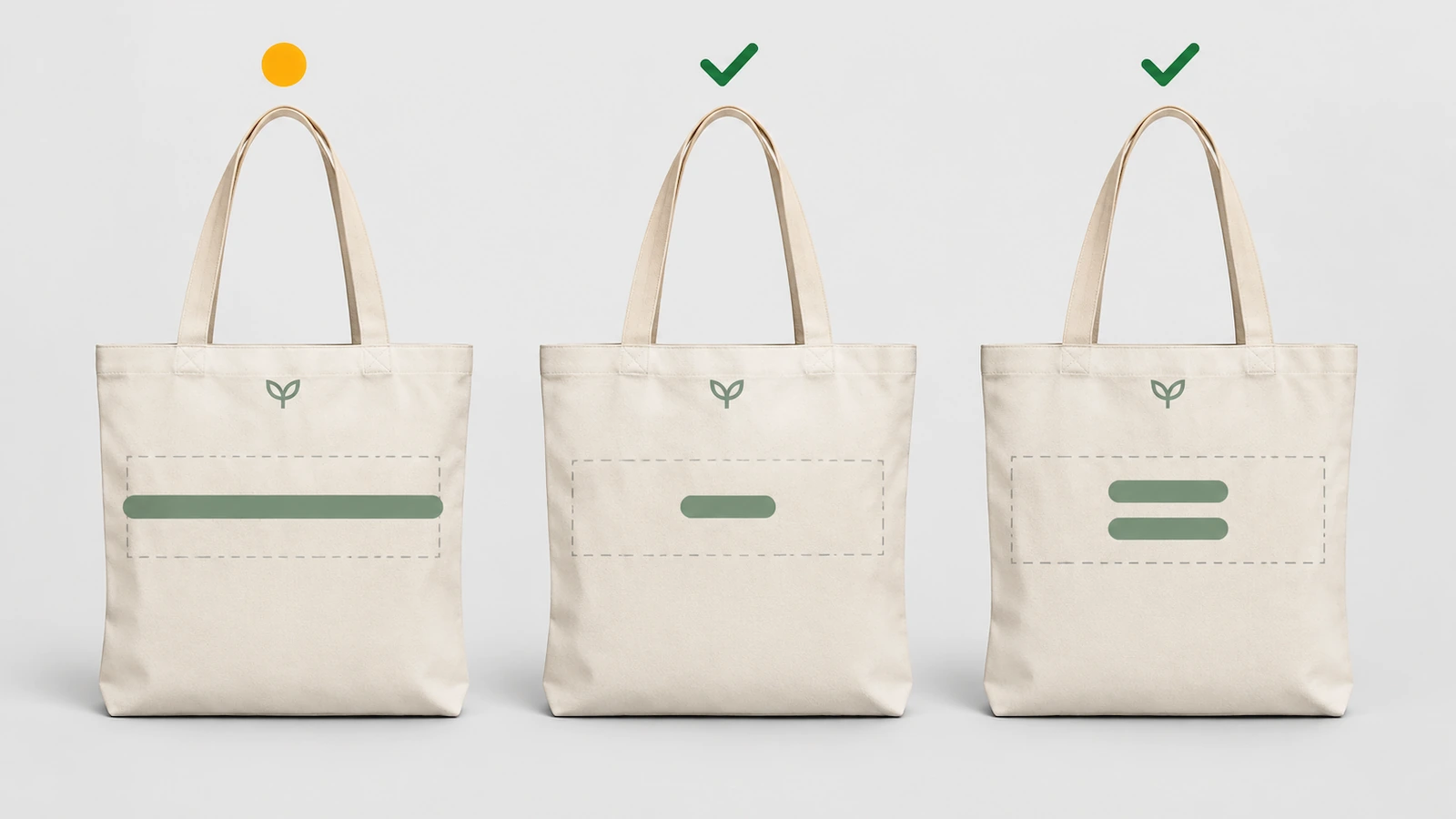
Before anyone opens a spreadsheet, fix the fields and the print zone. List every field that changes, such as first name, last name, role, or track, and decide which ones actually print. Each extra field adds proofing work and another place for errors. Then define a variable zone on the bag that stays separate from the shared artwork, so a long name never collides with the logo.
Keep the variable print modest in size. Printed areas complicate end-of-life recycling: reporting on cotton totes notes that logos and messages have to be cut out, wasting an estimated 10 to 15 per cent of the cotton[4]. A clean name line reads well and reduces that loss compared with a full-panel personalized graphic.
The base bag still has to be specified correctly: fabric weight, construction, and inspection points. Those decisions are the same with or without personalization, and we cover them in our guide to specifying and inspecting custom cotton tote bags before you order.
Step 2: Build a one-row-per-bag data file
The data file is the actual product specification for a personalized run. A file that production can use has these properties:
One row equals one bag. If a person receives two bags, they get two rows. Never ask the printer to "do two of row 14."
A unique record ID in the first column. This ID follows the bag through printing, packing, and distribution, and it is how a misprint gets reprinted correctly.
Print fields kept separate from logistics fields. Columns that print, such as name or role, should be separate from columns that only route the bag, such as office, ship-to group, or registration desk.
UTF-8 CSV export. Saving in a legacy encoding is the usual cause of corrupted accents and non-Latin scripts. Open the exported file once in a plain text editor before you send it.
A stated casing rule. Decide whether names print exactly as typed, in title case, or in all caps, and apply it in the file rather than leaving it to the template.
Cleaned spaces and duplicates. Trim leading and trailing spaces, collapse double spaces, and remove duplicate registrations before the file is locked.
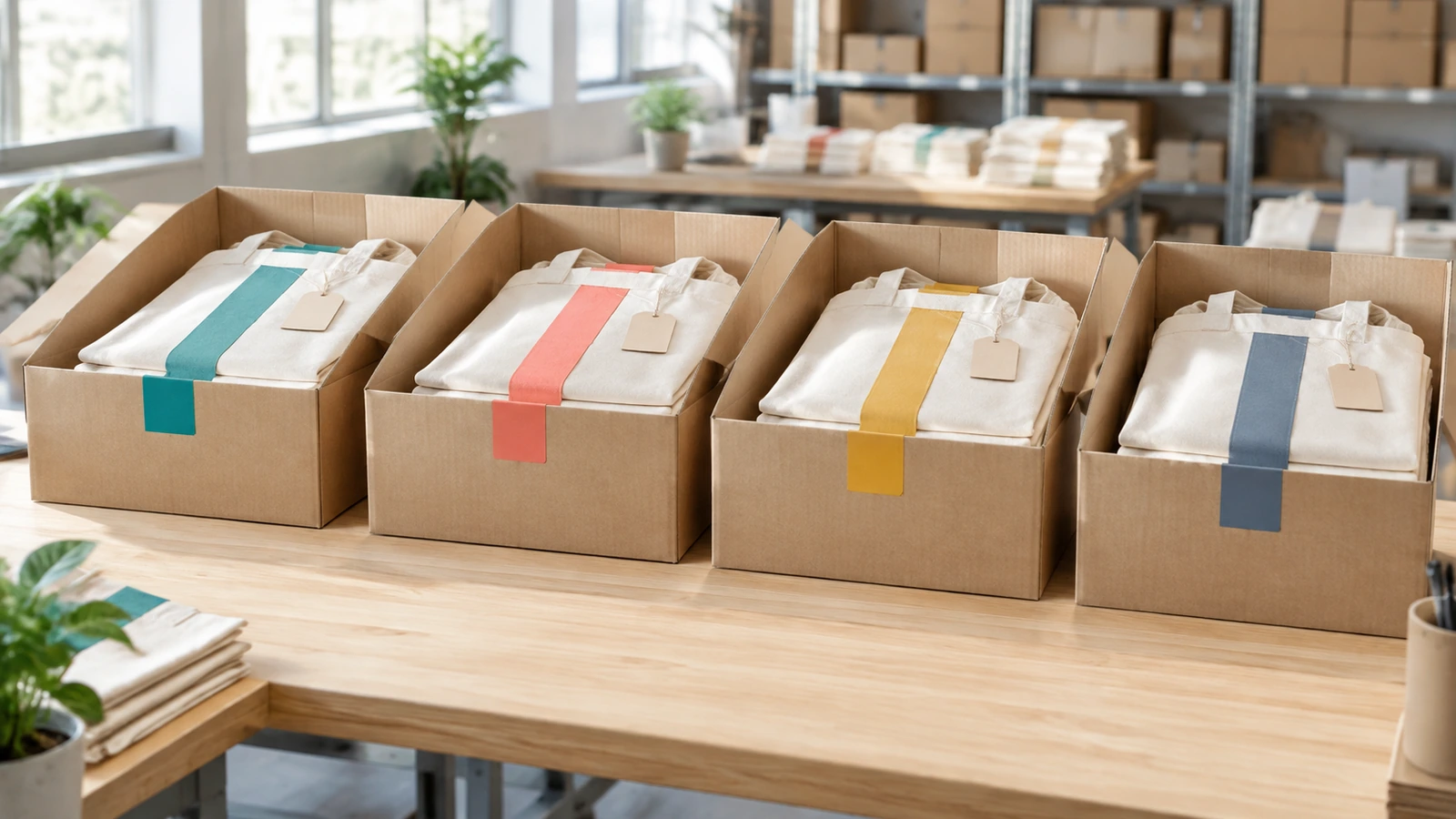
Sorted for distribution. Sort rows by how the bags will be handed out, such as by office, team, or alphabetical registration desk, so production output arrives in order.
Treat the list as personal data. Share only the fields that print or route the bag, keep home addresses and personal emails out of the file unless the printer is shipping individually, and agree on when the printer deletes the file after delivery.
Step 3: Build the template around the hardest record
Designers tend to mock up a short, friendly name. Production fails on the longest one. Sort the file by character count and design the template around the longest entry, then choose a fit rule in writing:
Shrink to fit keeps one line but makes long names visibly smaller than short ones.
Two-line break splits first and last name, which works well for formal onboarding kits.
Preferred-name field asks recipients for the name they actually use, which usually solves the problem at the source.
Check font coverage early. Many display fonts lack accented characters or non-Latin scripts. If your list includes names in several writing systems, choose a font family that covers all of them, or define a fallback font so a missing character does not print as an empty box. For embroidery, the machine's lettering library sets the limits, so ask which characters are supported before you choose the style.
Step 4: Proof per variant, not per design
A single approved mockup tells you nothing about record 312. Request a proof set that covers these cases:
the longest name and the shortest name;
every distinct role, track, or color variant;
every name with accents, apostrophes, hyphens, or non-Latin characters;
a random sample from the middle of the file, which shows whether the merge itself is working.
Then split the approval into two sign-offs. The designer approves layout and color. The list owner, such as HR, event registration, or the account team, approves spelling. People who know the recipients catch errors that designers never see. For larger runs, ask for a physical sample of the variable layer on the actual bag fabric, because a name that looks crisp on screen can blur on a coarse cotton weave.
Step 5: Produce, reconcile, and pack in distribution order
During production, the record ID matters more than the artwork. Ask the printer to print and pack in file order, to attach the record ID to the packing slip, hangtag, or poly bag rather than to the tote itself, and to report a count reconciliation against the file before shipping. Misprints should be reprinted from the record ID rather than from someone's memory of the name.
Agree on acceptance sampling for the shared layer in the usual way. Buyers often reference ISO 2859-1 attribute sampling for print and stitching defects. The variable layer is different: a 100% name check is reasonable, because a wrong name is a critical defect for that recipient no matter how good the batch average looks.
Step 6: Plan for late additions
Registration lists change after the print file is locked. Set a written data cutoff date, and plan the late path before you need it. Common options include a small reserve of bags printed with the shared layer only, personalized later with a fast method such as heat-transfer vinyl, or a second mini-run for late registrants. Ask your supplier which option fits your schedule; the reserve approach is usually the least stressful for event teams.
Compliance notes that personalization can affect
Adding a name does not change the fiber statement. Where the Textile Act applies, the label must list each fiber that makes up 5% or more of the product's weight[5]. Personalization can, however, change the care instructions. Transfer films and vinyl generally tolerate less heat than the bag itself, so the care guidance should reflect the most delicate layer. The FTC's Care Labeling Rule (16 CFR Part 423)[6] sets the baseline when it applies.
Certification claims need the same care. Under OEKO-TEX STANDARD 100[7], printing is treated as a wet process. The 2026 rules effective June 1, 2026[8] accept uncertified wet processes only for initial certifications. If a certified finished bag is required, confirm that the personalization step is covered and not just the blank bag. The same logic applies to organic claims. Under GOTS[9], an "organic" label requires at least 95% certified organic fiber, and the processors who handle the goods must be within certification scope. Buying GOTS fabric alone does not let you put the GOTS label on the finished bag. For which eco claims you can actually make, see the compliance section of our cotton tote buying guide.
Which Print Methods Handle Variable Data on Cotton?
When you customize tote bags per recipient, method choice comes down to how each one takes a different image on every piece. Sublimation is not on the list: it needs polyester, so it is not a fit for personalized cotton tote bags.
Method
How the variable layer is produced
Best fit
Look and feel
Watch-outs
DTG (direct-to-garment)
Inkjet prints each record straight onto the bag from the merged file
Coarse or loosely woven cotton can soften fine type; dark bags need pretreatment and a white underbase
DTF transfers
Names are printed onto film in a gang sheet, cut, and heat-pressed bag by bag
Mixed fabrics and colors, sharp small text
Thin film layer on the surface
Heat-press consistency matters; one Reddit printer reported that heavier canvas presses better than thin budget totes
Heat-transfer vinyl (HTV)
Each name is plotter-cut, weeded, and pressed
Small runs, late additions, simple one-color names
Smooth, slightly raised
Weeding labor grows with each name; fine script fonts are hard to cut
Embroidery
The machine renders each name from a lettering library
Client gifts and premium onboarding kits
Raised, durable, high perceived value
Character support depends on the machine's fonts; very small text loses legibility
Hybrid: screen + digital
Shared logo is screen printed on every bag; names are added in a second digital or transfer pass
Larger mixed runs where most of the design is shared
Screen-print logo durability plus flexible names
Two passes need registration, so the variable zone must be planned in the shared artwork
Simpler usually works better. A DTF printer discussing tote sales on Reddit observed that personalized names, monograms, and simple designs tend to sell better than busy graphics. In a business kit, a clean name line next to a strong logo also reads better from across a registration hall.
How Do Personalized Printed Tote Bags Change MOQ, Cost, and Lead Time?
Personalization changes the order economics because the variable layer does not benefit from volume the way the shared layer does. Exact minimums, prices, and schedules depend on the bag, the method, and the quantity, so ask for a quote. The structure of the cost is predictable, though:
Order element
Behaves like
What it means for your plan
Base bag
Volume item
Minimums and unit price follow the total bag count, not the number of different names
Shared logo layer
Setup plus run
Screen printing setup is spread across every bag, so larger runs lower its share per bag
Variable name layer
Per-piece work
Every bag is handled individually, so cost scales roughly with quantity and does not fall much with volume
Data preparation and proofing
Fixed project time
Edge-case proofs and the two-step sign-off add calendar days before production starts
Sorting, kitting, reconciliation
Per-piece handling
Packing in distribution order takes labor but removes hours of sorting at the venue
Late changes
Exception handling
Edits after file lock trigger re-proofing and reprints; a reserve of shared-layer-only bags limits the damage
The scheduling rule is to build your timeline backward from the distribution date and to count the data cutoff and proof approval as real milestones, not admin tasks. Most delays on personalized runs come from late lists and slow spelling sign-offs, not from the press. If you share your quantity, method preference, and event date, a supplier can tell you which variable-data method fits the window.
FAQ
FAQ: Can every bag in one order have a different name?
Yes. That is the point of variable-data printing. The printer merges your spreadsheet into a fixed template, so each bag is produced from its own row. What you must supply is a clean file with one row per bag and a unique record ID per row.
FAQ: Which file format should I send for names?
A UTF-8 encoded CSV is the safest choice, because it preserves accents and non-Latin scripts. Send the shared artwork separately as vector files with fonts converted to outlines, and name the exact font to use for the variable layer so the printer does not substitute one.
FAQ: How many proofs do I need for a personalized run?
Not one per bag. You need a proof for each edge case: longest and shortest names, every role or color variant, every special character, plus a random sample from the file. The list owner should sign off on spelling separately from the design approval.
FAQ: Are tote bags personalized with DTF or vinyl washable?
Generally yes, with gentler care than a plain bag. Transfers and vinyl tolerate less heat than cotton, so cold washing and no hot dryer are the usual guidance. Put care instructions in the kit that match the most delicate layer on the bag.
FAQ: Is a personalized cotton tote a good fit for California events?
FAQ: Do EU textile rules affect branded totes for European offices?
They may affect cost over time. The revised Waste Framework Directive, in force since October 16, 2025[11], requires member states to set up extended producer responsibility for textiles by April 17, 2028. Ask your importer how fees will apply to textile goods placed on those markets.
FAQ: What happens if someone registers after the file is locked?
Plan for it in advance. The common solutions are a reserve of bags printed with the shared logo only and personalized later with a fast method, or a small second run. Agree on the cutoff date and the late-add method when you place the order.
Key Takeaways
Keep the variable print small and separate from the logo zone. — Printed areas can force 10–15% of the cotton to be cut away at recycling (Source)
Personalization matters because reuse is the whole environmental case. — An organic cotton tote is cited at 20,000 uses to offset its total impact (Source)
A printed name does not change the fiber statement. — Where the Textile Act applies, list every fiber at 5% or more by weight (Source)
Confirm the personalization printer is inside OEKO-TEX scope, not just the blank bag. — Stricter wet-process rules, including printing, apply from June 1, 2026 (Source)
GOTS labels require certified processing, not only certified fabric. — "Organic" labeling needs at least 95% certified organic fiber (Source)
Reusable totes match the US policy direction. — California checkouts have offered only recycled paper bags since January 1, 2026 (Source)
Getting Personalized Totes Right the First Time
A successful per-recipient tote program depends on decisions made before anything is printed: a fixed set of fields, a variable zone sized for the longest name, a clean one-row-per-bag file, edge-case proofs with a separate spelling sign-off, and output packed in the order the bags will be handed out. Choose the print method by how it handles a different image on every piece, and plan the late-registration path before the list is locked.
If you are planning onboarding kits, conference bags, or a client gifting run, send us your quantity, the fields you want to print, and your distribution date. We will recommend a variable-data method and quote minimums and lead time for your order. Start with the base bag: see how we spec, print, and inspect custom cotton tote bags.
Hi there! I'm Bruce, proud dad to my amazing son. I'm the founder of Zigpac, a printing and packaging company empowering small and medium-sized businesses with custom solutions. Let's create something great together!



 Blog PDF for offline reading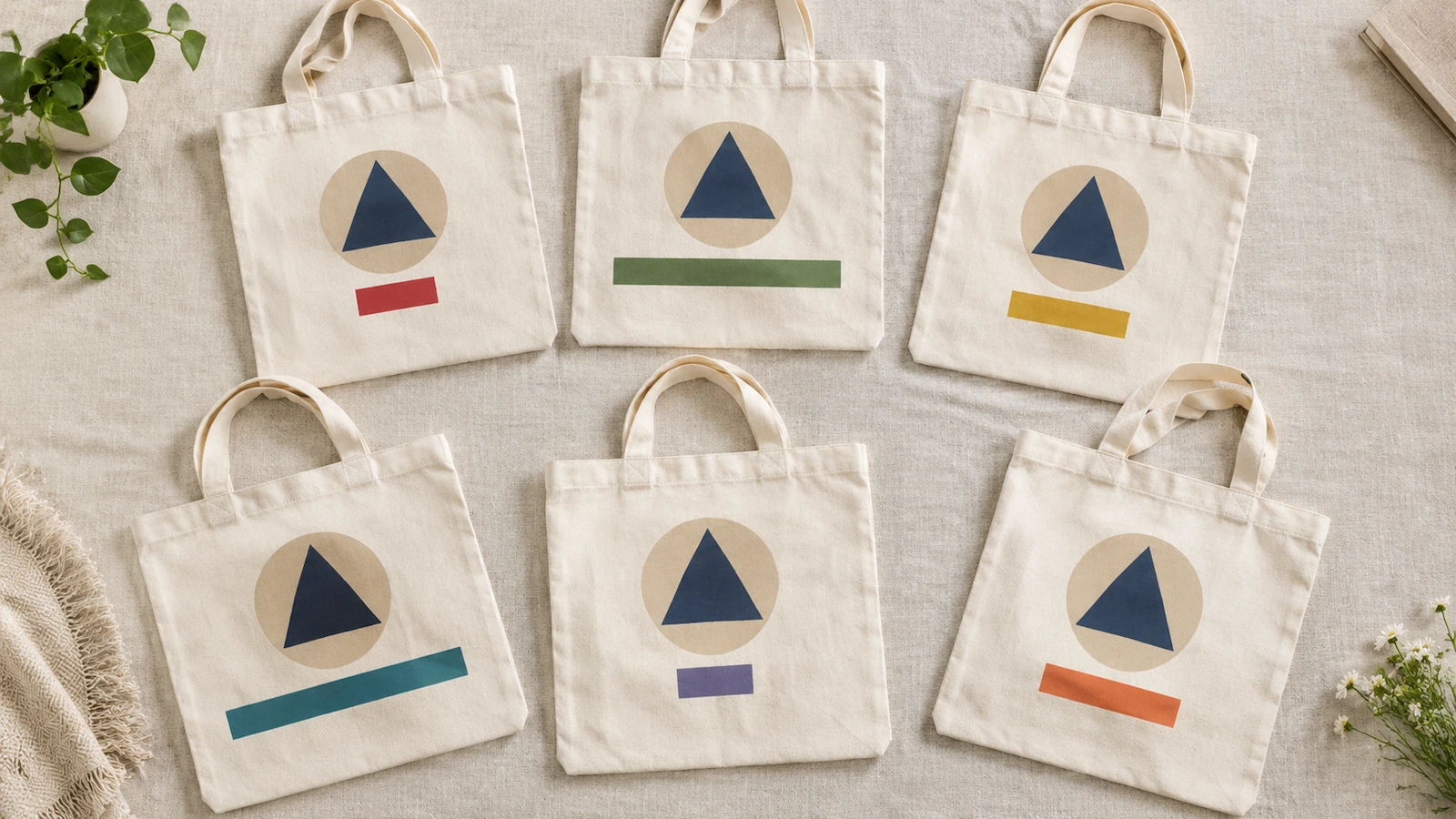






The information below is required for social login
Sign In
Create New Account